
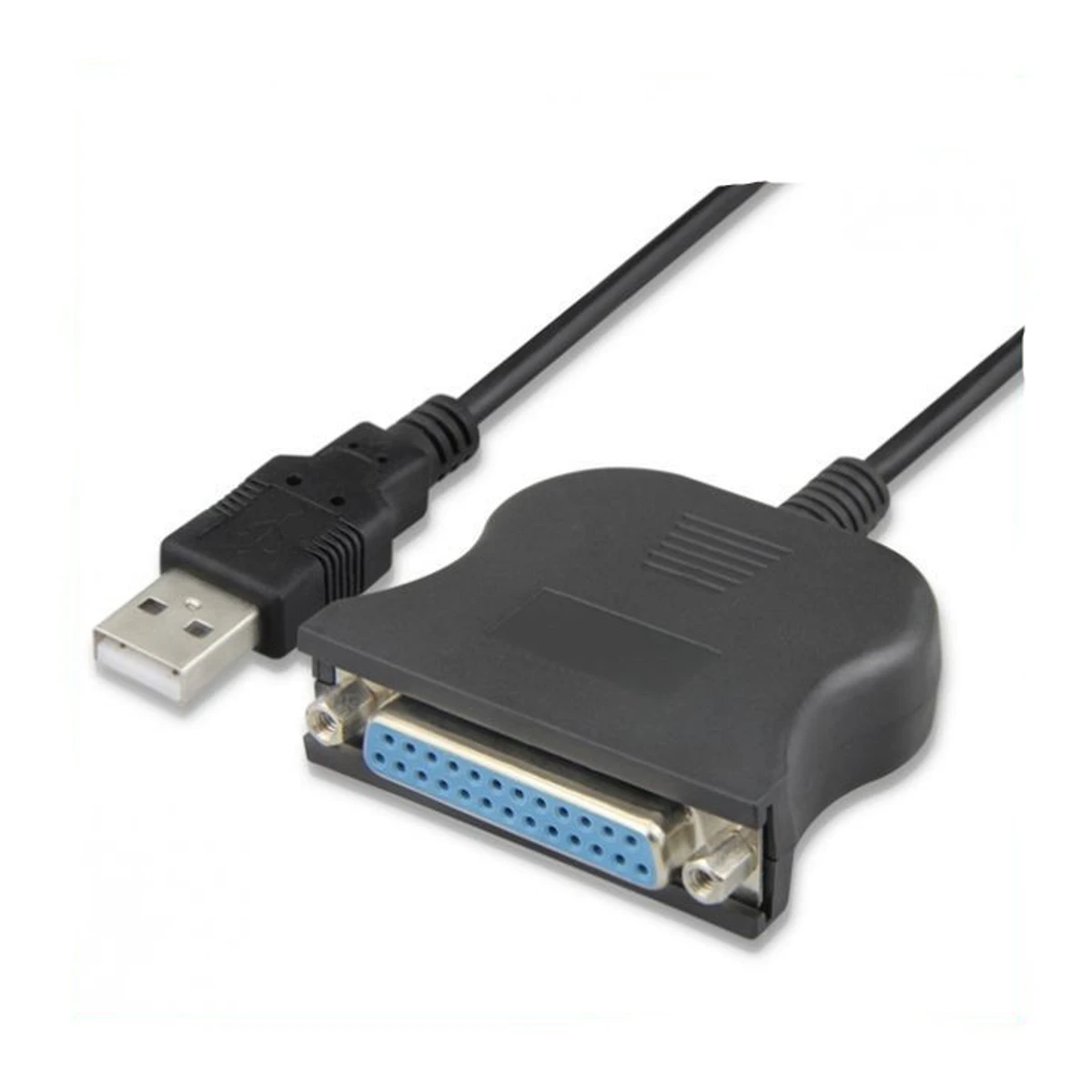
USB to 25 Pinhole Parallel Lines DB25 Interface Ieee 1284
Todo incluido = envío, aduana y GST incluidos.
Pida y pague hasta el mar 1 dic para Navidad
Llega a más tardar el 11 dic · estimado
- Rápido por avión desde Miami: BZ$35.00 · Llega a más tardar el lun 7 dic
- Por barco desde Miami: BZ$25.00 · Llega a más tardar el vie 11 dic
El precio incluye el envío, el impuesto de importación y el GST: nosotros pasamos la aduana. Elija cómo llega en esta página (cada forma muestra su precio y su fecha de llegada).
Reglas: pago completo por adelantado; un pedido especial no se puede cancelar ni reembolsar una vez que lo hayamos pedido al proveedor; si llega dañado o equivocado, avísenos por WhatsApp con una foto dentro de 3 días desde la recogida (o la entrega); la fecha de llegada es un estimado; solo garantía del fabricante.
Detalles: - Product information: - It adopts one-time full injection molding, solid and beautiful - A USB A-type interface is convenient for connecting to PC, conforming to 2.0 standard, full speed, high speed, and downward compatibility - Support Windows 98/98SE/ME/2000/XP/VISTA or higher operating system - Setting method for the printer that cannot be printed after it is connected: - 1。 Connect this USB/25 hole cable to the parallel port printing line of the printer (the printer power supply should not be turned on) - 2。 Insert the USB port into the USB port of the computer. At this time, the computer will find new hardware and automatically identify and install it - 3。 Install the printer driver on the computer, and set the printer port to USB TO PRINT in the printer properties. The preceding code is USB001 or USB002. - 4。 Start the printer and print the test page first. If it works normally, it can be used.