
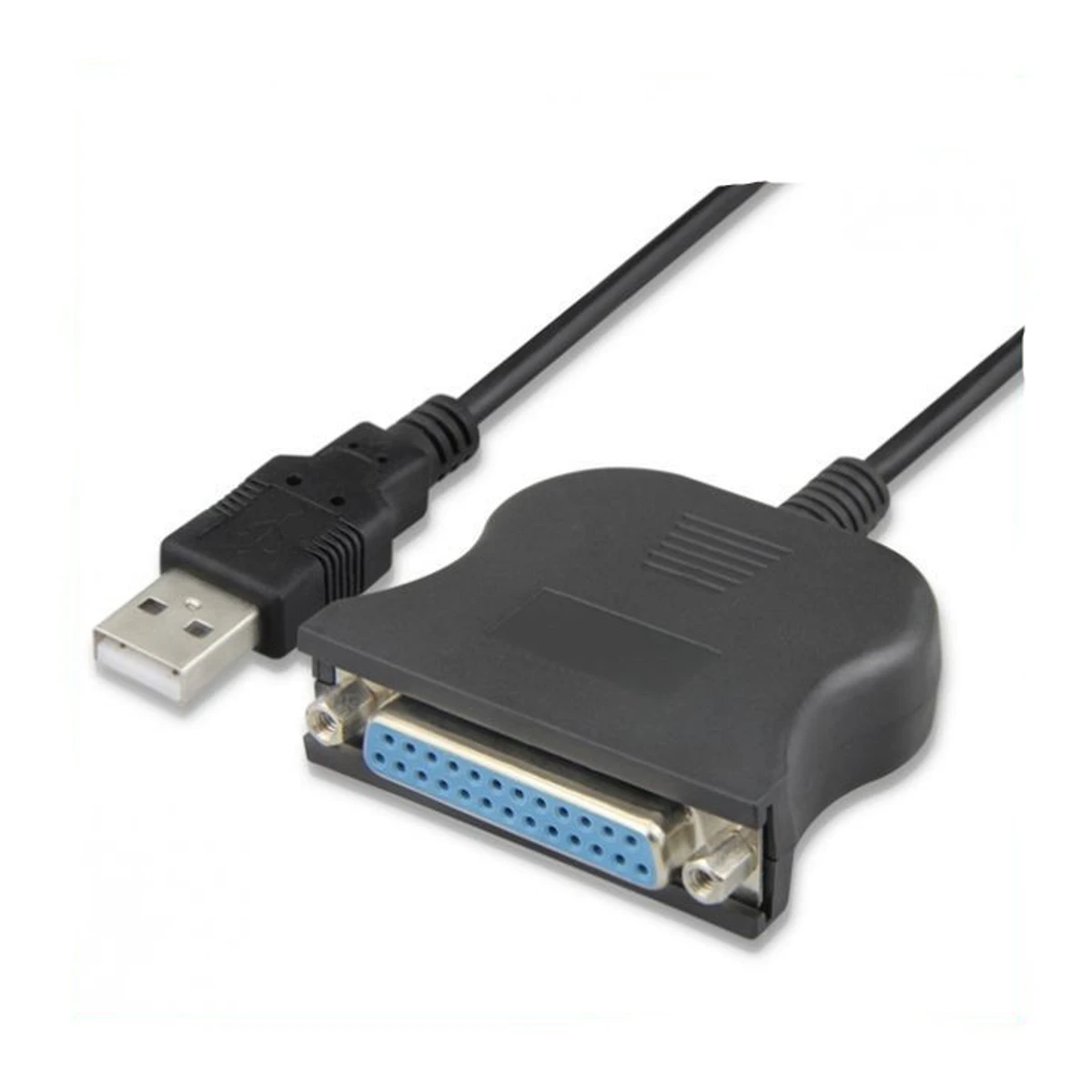
USB to 25 Pinhole Parallel Lines DB25 Interface Ieee 1284
All-in = shipping, duty and GST included.
Order and pay by Tue 1 Dec for Christmas
Arrives by Fri 11 Dec · estimated
- Fast by air from Miami: BZ$35.00 · Arrives by Mon 7 Dec
- By sea from Miami: BZ$25.00 · Arrives by Fri 11 Dec
USB to 25 Pinhole Parallel Lines DB25 Interface Ieee 1284.
The price includes shipping, import duty and GST: we clear customs. Choose how it comes on this page (each way shows its own price and arrival date).
Rules: paid in full in advance; a special order cannot be cancelled or refunded once we have ordered it from the supplier; if broken or wrong, tell us on WhatsApp with a photo within 3 days of pickup (or delivery); the arrival date is an estimate; manufacturer's warranty only.
Details: - Product information: - It adopts one-time full injection molding, solid and beautiful - A USB A-type interface is convenient for connecting to PC, conforming to 2.0 standard, full speed, high speed, and downward compatibility - Support Windows 98/98SE/ME/2000/XP/VISTA or higher operating system - Setting method for the printer that cannot be printed after it is connected: - 1。 Connect this USB/25 hole cable to the parallel port printing line of the printer (the printer power supply should not be turned on) - 2。 Insert the USB port into the USB port of the computer. At this time, the computer will find new hardware and automatically identify and install it - 3。 Install the printer driver on the computer, and set the printer port to USB TO PRINT in the printer properties. The preceding code is USB001 or USB002. - 4。 Start the printer and print the test page first. If it works normally, it can be used.